- Introduction
- Importance of an Efficient Home Office
- Essential Equipment for a Productive Setup
- Ergonomic Workspace Design
- Best Tech and Software for Remote Work
- Internet and Connectivity Optimization
- Time Management Strategies for Remote Work
- Overcoming Common Work-From-Home Challenges
- Conclusion
Introduction
With remote work becoming the norm, creating an efficient work-from-home setup is essential for productivity and well-being. A well-designed workspace can enhance focus, reduce fatigue, and improve overall work performance.
Importance of an Efficient Home Office
A structured and comfortable home office minimizes distractions, boosts efficiency, and promotes better work-life balance. Investing in the right equipment and environment can lead to long-term professional success.
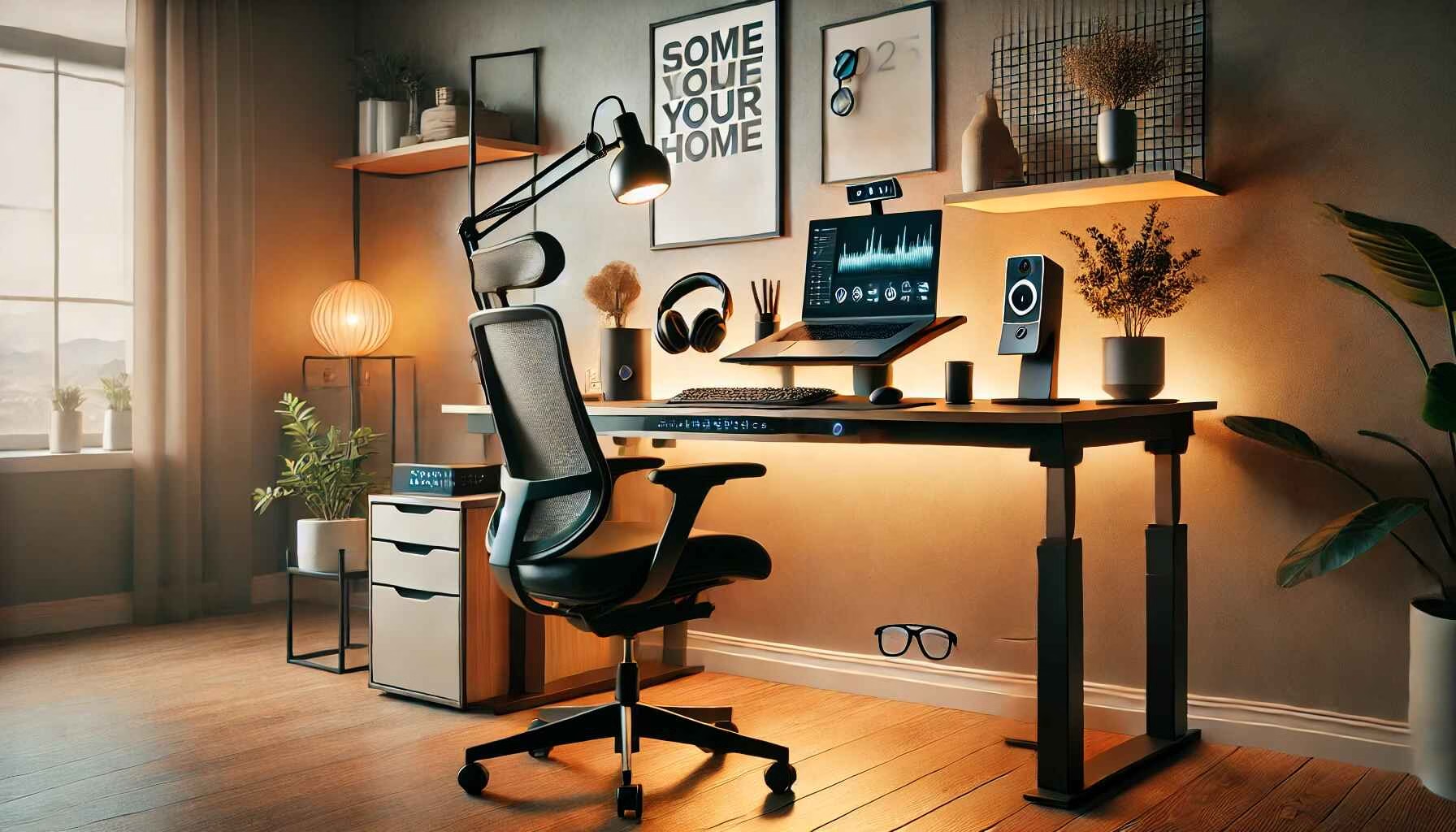
Essential Equipment for a Productive Setup
| Item | Purpose |
| Ergonomic Chair | Provides back support and comfort |
| Adjustable Desk | Allows flexibility for sitting/standing |
| Dual Monitors | Enhances multitasking and efficiency |
| Noise-Canceling Headphones | Blocks distractions for better focus |
| External Keyboard & Mouse | Improves typing speed and comfort |
| High-Resolution Webcam | Ensures clear video calls |
| Proper Lighting | Reduces eye strain and improves visibility |
Ergonomic Workspace Design
A proper ergonomic setup reduces physical strain and enhances productivity.
- Chair: Choose a chair with lumbar support and adjustable height.
- Desk Height: Keep wrists at a neutral position when typing.
- Monitor Placement: Position screens at eye level to reduce neck strain.
- Footrest: Helps maintain proper posture and blood circulation.
- Lighting: Use natural light when possible and invest in adjustable LED lighting.
Best Tech and Software for Remote Work
| Software | Function |
| Zoom | Video conferencing |
| Slack | Team communication |
| Trello | Task and project management |
| Notion | Note-taking and organization |
| Google Workspace | Collaborative document sharing |
| LastPass | Secure password management |
| RescueTime | Time tracking and productivity monitoring |
Internet and Connectivity Optimization
A strong internet connection is crucial for seamless remote work.
- Recommended Speed: Minimum 50 Mbps for video calls and large file transfers.
- Router Placement: Keep it centrally located to avoid dead zones.
- Wired vs. Wi-Fi: Use Ethernet for stable connections when possible.
- Backup Plan: Have a mobile hotspot or secondary ISP for emergencies.
Time Management Strategies for Remote Work
| Strategy | Benefit |
| Pomodoro Technique | Improves focus with structured breaks |
| Time Blocking | Helps allocate time for specific tasks |
| Prioritization (Eisenhower Matrix) | Focuses on urgent and important tasks |
| Setting Boundaries | Reduces distractions from household activities |
| Regular Breaks | Prevents burnout and improves mental clarity |
Overcoming Common Work-From-Home Challenges
Distractions and Interruptions
- Set clear work hours and communicate them with family.
- Use noise-canceling headphones or a white noise machine.
Lack of Motivation
- Establish a morning routine to start the day productively.
- Set daily goals and reward accomplishments.
Poor Work-Life Balance
- Create a separate workspace to mentally disconnect from work.
- Schedule personal time and stick to it.
Conclusion
Optimizing your work-from-home setup can significantly enhance productivity and comfort. Investing in the right equipment, technology, and time management strategies helps create a productive and enjoyable remote work environment.